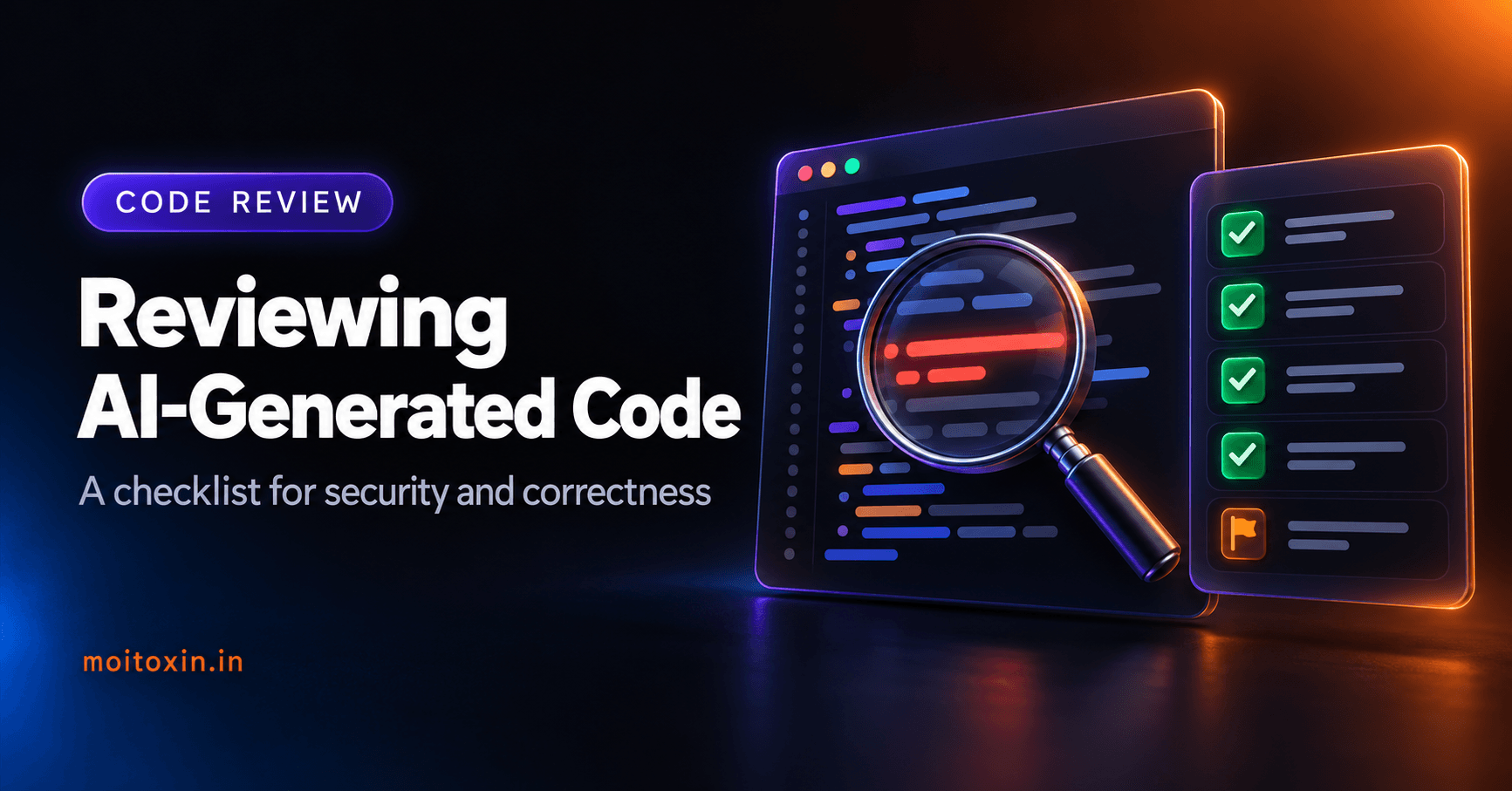
Reviewing AI-Generated Code: A Checklist for Security and Correctness
A practical review checklist built from real bugs an AI audit found in my own tutorial: authorization, leaky errors, outdated APIs, invented packages and untested edge cases.

Mohit Malaya Nandy
Software Engineer & Product Builder
On this page
AI coding tools write code that compiles, reads well and often works on the first try. That is exactly what makes reviewing it tricky: the bugs that remain are the ones that look right.
This checklist comes from a real review. I asked an AI agent to audit an older "production-ready" MERN authentication tutorial on this blog, and it found an open admin sign-up route, error messages that revealed which accounts existed, tokens that never expired, and code broken by library updates. Every item below is something I now check.
The right mindset#
Review AI-generated code as you would a pull request from a talented new hire who has never seen your project: fluent and fast, but missing context, and sometimes confidently wrong. Two rules:
- Run it before you trust it. Reading is not testing.
- The more sensitive the code, the deeper the review. A CSS tweak needs a glance; authentication, payments and data deletion need a line-by-line read.
1. Security: check every trust boundary#
Who is allowed to call this?
The most common serious bug: a route that works perfectly but forgets to check permissions. My old article had this one:
// Before: anyone on the internet could create an admin account
router.post('/admin-register', registerAdmin);

// After: only an existing admin can create another admin
router.post('/', adminAuth, createAdmin);
For every new route, ask: who can call it, and what stops everyone else?
What do errors reveal?
// Before: tells an attacker which emails have accounts
if (!admin) return res.status(400).json({ message: 'Admin not found' });
if (!isMatch) return res.status(400).json({ message: 'Invalid credentials' });

// After: one generic answer for both cases (OWASP guidance)
if (!admin || !ok) return res.status(401).json({ message: 'Invalid credentials' });
Also look for res.json({ message: err.message }). Raw error messages can expose database details and file paths. Log the error on the server and return something generic.
Is every input validated?
- Check types, lengths and allowed values, not just "is it present".
- Watch for missing optional values. My article checked for duplicates with
{ $or: [{ email }, { phoneNumber }] }. When no phone number was sent, that matched any admin without a phone, and wrongly reported a duplicate. - Never build SQL, shell commands or HTML by joining strings with user input.
Are secrets handled properly?
- No API keys, passwords or tokens in the code, prompts or logs.
- Secrets come from environment variables, and example values are clearly fake.
- Tokens and sessions expire, and can be revoked.
The OWASP Authentication Cheat Sheet and OWASP Top 10 are the best checklists for this part.
2. Outdated APIs: check against current docs#
AI models learn from code written over many years, so they often suggest older patterns. Two real examples from my review:
| Library | Outdated code | Current behaviour |
|---|---|---|
| Mongoose 9 | pre('save', async function (next) { … next(); }) | Pre hooks no longer receive next(). Use an async function and return. |
| Express 5 | Wrapping every async route in try/catch | Rejected promises go to your error handler automatically. |
| Express 5 | const { email } = req.body | req.body is undefined when there is no body, so destructuring crashes. Use req.body ?? {}. |
Check the installed version in package.json, then skim that version's migration guide. It takes five minutes and catches whole classes of bugs.
3. Dependencies: do they exist, and are they needed?#
- Verify every new package on the registry: the right name, a real publisher, recent releases and reasonable downloads. AI tools sometimes invent package names, and attackers register those names to catch people who install them blindly ("slopsquatting").
- Question every new dependency. Can a few lines of code or the standard library do it?
- Run npm audit (or your ecosystem's equivalent) after adding packages.
- Remove what is unused. In my project, four packages were installed and never imported.
4. Correctness: test the edges#
AI code usually handles the "happy path". Bugs live at the edges. Ask:
- What happens with empty input, a missing field, or the wrong type?
- What if the same request arrives twice, or two at once?
- What if the network call fails or times out?
- What about very large input, or Unicode like emoji and non-English text?
- Does it still work after a restart, or does it rely on memory?
The fastest way to answer these is to write or ask for tests that cover them, then run them. When I tested the rewritten auth code, the checklist included wrong passwords, unknown emails, empty bodies, reused refresh tokens, duplicate accounts and rate limits, not just a successful login.
5. Fit: does it belong in this codebase?#
- Does it follow the project's existing patterns, or add a second way of doing the same thing?
- Did it copy code that already exists somewhere as a shared helper?
- Are names clear and consistent with the rest of the project?
- Did it change things you did not ask for? AI tools sometimes "helpfully" reformat or refactor unrelated code, which hides real changes in a noisy diff.
How to review efficiently#
- Read the diff, not the whole file. Ask for small, focused changes so diffs stay readable.
- Run build, lint, type checks and tests. Let machines catch the easy problems.
- Ask pointed questions. "What happens if
phoneNumberis missing?" gets a better answer than "is this correct?". - Go line by line through security-sensitive code. Auth, payments, permissions, deletion and anything touching personal data.
- Try it for real. Click through the feature, or call the endpoint with good and bad input.
The checklist#
| Area | Check |
|---|---|
| Authorization | Every route checks who is calling and what they may do. |
| Errors | Generic messages to clients; details only in server logs. |
| Input | Types, lengths and allowed values validated; optional fields handled. |
| Secrets | None in code, prompts or logs; tokens expire and can be revoked. |
| Injection | No string-built SQL, shell commands or HTML. |
| APIs | Matches the installed library versions and their migration guides. |
| Dependencies | Every package exists, is needed, and passes npm audit. |
| Edge cases | Empty, missing, duplicate, concurrent, huge and Unicode input tested. |
| Failures | Network and database errors handled; nothing fails silently. |
| Fit | Follows existing patterns; no unrelated changes in the diff. |
| Verification | Build, lint and tests pass; the feature was tried for real. |
Frequently asked questions#
Is AI-generated code safe to use?
It can be, after review. AI-generated code often looks correct and compiles, but can contain security flaws, outdated APIs or invented packages. Review it with the same care as code from a new team member, and run it before you trust it.
What are the most common bugs in AI-generated code?
Missing authorization checks, error messages that leak information, outdated library APIs, missing input validation, invented package names, and edge cases that were never tested, such as empty or missing values.
What is slopsquatting?
Slopsquatting is when attackers publish malicious packages under names that AI tools tend to invent. If you install a package an AI suggested without checking it exists and is the real one, you might install malware.
Should I ask the AI to review its own code?
It helps as a first pass, especially if you ask specific questions like 'what happens if this field is missing?'. But it does not replace running the code, tests and a human review of security-critical paths.
References#
- OWASP Top 10 and Authentication Cheat Sheet
- Migrating to Express 5 and Migrating to Mongoose 9
- npm audit documentation
- SLSA: supply-chain security framework
Found this useful? You can support my writing on GitHub Sponsors or with a coffee.