Streaming AI Responses in Next.js: Route Handlers, Server Actions and Edge
Build a chat endpoint that streams answers word by word with the Anthropic SDK, read it in the browser, add a working Stop button, and choose between Route Handlers, Server Actions and Edge.

Mohit Malaya Nandy
Software Engineer & Product Builder
On this page
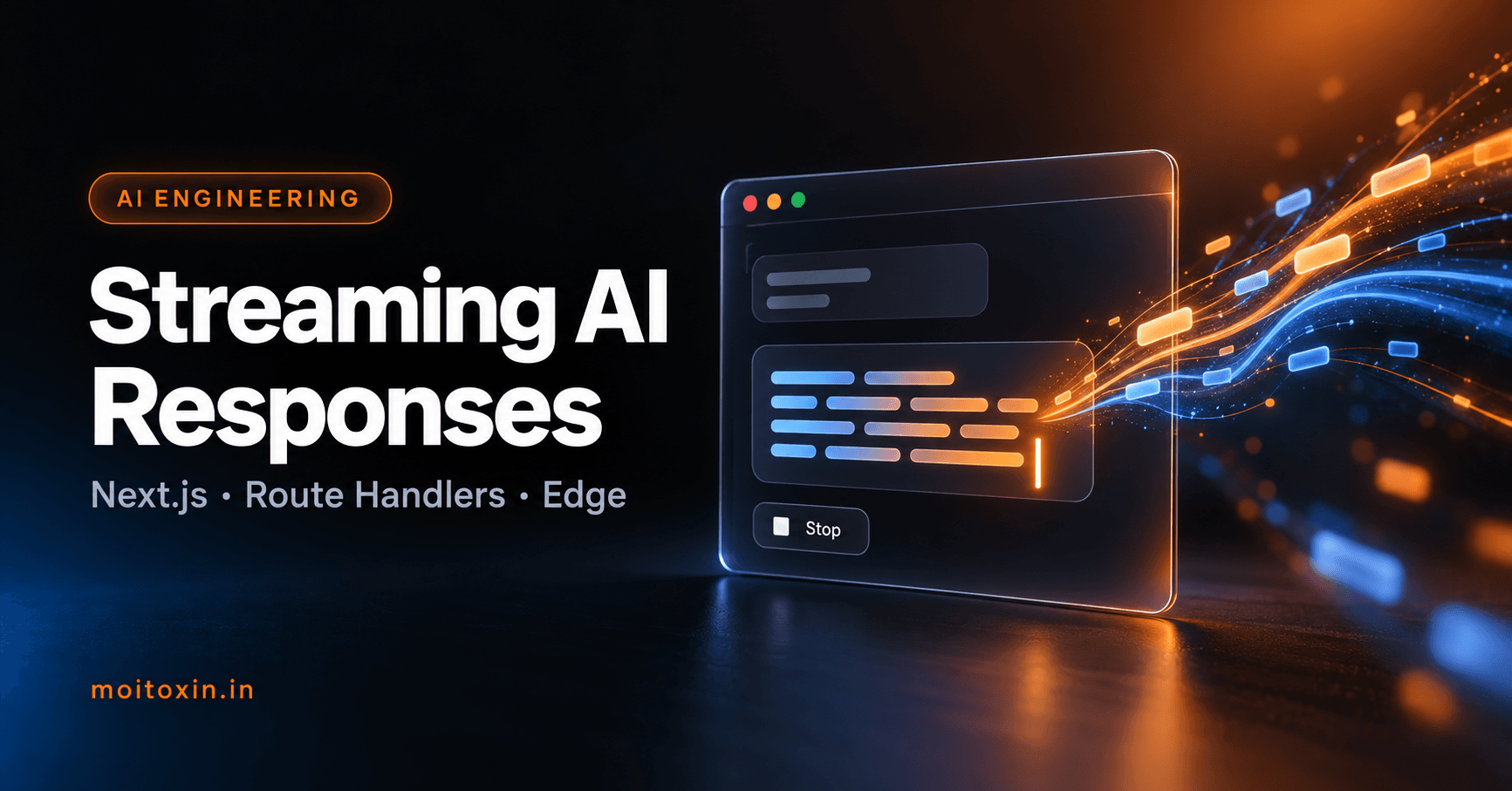
Every good AI chat app has the same feel: you press Enter and the answer starts appearing word by word. That is streaming, and it makes the difference between an app that feels instant and one where users stare at a spinner for ten seconds.
In this guide you will build a streaming chat endpoint in Next.js with the official Anthropic TypeScript SDK, read the stream in the browser, and add a working Stop button. You will also learn when to use Route Handlers, Server Actions and the Edge runtime. The streaming and cancellation logic below was tested.
How streaming works#
Without streaming, the server waits for the full answer, then sends it in one piece. With streaming, the model sends small pieces as it writes them, and your server passes each piece straight through to the browser:
Browser  ──POST /api/chat──▶  Route Handler  ──stream request──▶  Claude API
Browser  ◀── "Hello"  ◀──────  ReadableStream  ◀── text delta ────  Claude API
Browser  ◀── ", world" ◀─────  ReadableStream  ◀── text delta ────  Claude API
The browser side uses the standard Streams API, so there is no special library to learn.
Route Handlers vs Server Actions vs Edge#
| Option | Use it for | Streaming text? |
|---|---|---|
| Route Handler | Chat endpoints, any long AI response | Yes, the recommended way |
| Server Action | Short AI tasks tied to a form: summarise, classify, generate a title | Not the right tool; return the finished result |
| Edge runtime | Route Handlers that must start very fast, close to users | Yes, but with tighter limits than Node.js |
This guide uses a Route Handler on the Node.js runtime, the most flexible combination.
Step 1: Install the SDK and set your key#
npm install @anthropic-ai/sdkAdd your key to .env.local. Next.js loads it on the server only, as long as the name does not start with NEXT_PUBLIC_:
ANTHROPIC_API_KEY=sk-ant-...Step 2: Write the streaming Route Handler#
import Anthropic from '@anthropic-ai/sdk';

export const runtime = 'nodejs';

const client = new Anthropic(); // reads ANTHROPIC_API_KEY
const encoder = new TextEncoder();

export async function POST(request) {
  const { messages } = await request.json();

  if (!Array.isArray(messages) || messages.length === 0 || messages.length > 40) {
    return Response.json({ error: 'Invalid messages' }, { status: 400 });
  }

  const stream = client.beta.messages.stream(
    {
      model: 'claude-opus-5-5',
      max_tokens: 64000,
      system: 'You are a friendly, concise assistant for a developer blog.',
      messages,
      output_config: { effort: 'low' },
      betas: ['server-side-fallback-2026-07-01'],
      fallbacks: 'default',
    },
    { signal: request.signal } // stop the upstream call if the client disconnects
  );

  const body = new ReadableStream({
    async start(controller) {
      try {
        for await (const event of stream) {
          if (event.type === 'content_block_delta' && event.delta.type === 'text_delta') {
            controller.enqueue(encoder.encode(event.delta.text));
          }
        }
        controller.close();
      } catch (err) {
        controller.error(err);
      }
    },
    cancel() {
      stream.abort(); // the browser stopped reading
    },
  });

  return new Response(body, {
    headers: { 'Content-Type': 'text/plain; charset=utf-8', 'Cache-Control': 'no-cache' },
  });
}
What is happening
client.beta.messages.stream()opens a streaming request and gives you an async iterator of events. The ones you care about arecontent_block_deltaevents with atext_delta: each holds the next few words.ReadableStreamis the standard web stream. Eachcontroller.enqueue()sends a chunk to the browser immediately.signal: request.signalandcancel()make sure that when a user closes the tab or clicks Stop, the request to the model stops too. In my test, cancelling the reader triggeredstream.abort()right away.effort: 'low'suits quick chat replies. Raise it for questions that need careful reasoning.fallbacks: 'default'retries on another model if a safety check declines the request, instead of returning nothing (refusals and fallbacks).- Input checks (a non-empty array of at most 40 messages) stop malformed or oversized requests before they cost money.
Step 3: Read the stream in the browser#
The client sends the conversation, then reads the response body chunk by chunk and appends each chunk to the last message:
'use client';

import { useRef, useState } from 'react';

export default function Chat() {
  const [messages, setMessages] = useState([]);
  const [input, setInput] = useState('');
  const [streaming, setStreaming] = useState(false);
  const controllerRef = useRef(null);

  async function send(e) {
    e.preventDefault();
    const text = input.trim();
    if (!text || streaming) return;

    const history = [...messages, { role: 'user', content: text }];
    setMessages([...history, { role: 'assistant', content: '' }]);
    setInput('');
    setStreaming(true);

    const controller = new AbortController();
    controllerRef.current = controller;

    try {
      const res = await fetch('/api/chat', {
        method: 'POST',
        headers: { 'Content-Type': 'application/json' },
        body: JSON.stringify({ messages: history }),
        signal: controller.signal,
      });
      if (!res.ok || !res.body) throw new Error('Request failed');

      const reader = res.body.getReader();
      const decoder = new TextDecoder();
      for (;;) {
        const { done, value } = await reader.read();
        if (done) break;
        const chunk = decoder.decode(value, { stream: true });
        setMessages((prev) => {
          const last = prev[prev.length - 1];
          return [...prev.slice(0, -1), { ...last, content: last.content + chunk }];
        });
      }
    } catch (err) {
      if (err.name !== 'AbortError') {
        setMessages((prev) => [...prev.slice(0, -1), { role: 'assistant', content: 'Something went wrong.' }]);
      }
    } finally {
      setStreaming(false);
    }
  }

  return (
    <div>
      {messages.map((m, i) => (
        <p key={i}><strong>{m.role === 'user' ? 'You' : 'AI'}:</strong> {m.content}</p>
      ))}
      <form onSubmit={send}>
        <input value={input} onChange={(e) => setInput(e.target.value)} placeholder="Ask something…" />
        {streaming ? (
          <button type="button" onClick={() => controllerRef.current?.abort()}>Stop</button>
        ) : (
          <button type="submit">Send</button>
        )}
      </form>
    </div>
  );
}TextDecoderwith{ stream: true }correctly handles characters (like emoji or Hindi letters) that are split across two chunks.- The functional update
setMessages((prev) => …)always appends to the latest state, even when chunks arrive faster than React renders. - The Stop button calls
abort(), which ends the fetch, which cancels the server stream, which stops the model.
Step 4: Test the endpoint#
Run npm run dev and watch the text arrive in pieces. curl -N turns off output buffering so you see each chunk as it lands:
curl.exe -N -X POST http://localhost:3000/api/chat -H "Content-Type: application/json" -d "@chat.json"{ "messages": [{ "role": "user", "content": "Explain streaming in two sentences." }] }Running on the Edge runtime#
To run the same handler on the Edge runtime, change one line: export const runtime = 'edge';. The SDK uses the standard Fetch API, so the code works as is. Keep these trade-offs in mind:
- Edge functions start quickly and run close to the user.
- They have stricter limits on execution time and available APIs, which vary by host.
- Many Node.js packages, and anything that uses the file system, will not work there.
If you are unsure, stay on Node.js. Most of the time users notice the model's speed, not the server's cold start.
Production checklist#
- Authenticate users before calling the model, and rate-limit per user. An open AI endpoint is an open wallet.
- Cap history: long chats resend every message. Trim or summarise old turns.
- Disable proxy buffering: if text arrives all at once in production, a proxy (like nginx) is buffering. Turn buffering off for the route, for example with an
X-Accel-Buffering: noheader on nginx. - Render safely: model output is untrusted text. Render it as text, or sanitise it before turning Markdown into HTML.
- Log usage:
await stream.finalMessage()gives you the final message with token usage, which you can record for cost tracking.
Frequently asked questions#
Why should I stream AI responses?
A long answer can take many seconds to generate. Streaming shows the first words almost immediately and the rest as they are written, so the app feels fast and users can start reading straight away.
Should I use a Route Handler or a Server Action for AI streaming?
Use a Route Handler for streaming text to the browser. It returns a standard Response with a ReadableStream body, which the browser can read chunk by chunk. Server Actions are designed for mutations and form submissions, not for long text streams.
Can I stream from the Edge runtime?
Yes, the Anthropic TypeScript SDK works on runtimes with the standard Fetch API. The Node.js runtime is still the safer default because it supports all Node APIs and longer execution limits on most hosts.
How do I stop the AI response when the user clicks Stop?
Abort the fetch in the browser with an AbortController. On the server, pass request.signal to the SDK and cancel the upstream stream in the ReadableStream's cancel callback, so you stop paying for tokens nobody will read.
Is it safe to call the AI API directly from the browser?
No. Your API key would be visible to anyone. Always call the AI API from the server (a Route Handler) and keep the key in an environment variable.
Official references#
- Route Handlers, Server Actions and route segment config (runtime), Next.js documentation
- Streaming messages and refusals and fallbacks, Claude API documentation
- Anthropic TypeScript SDK
- Streams API and ReadableStream, MDN
Found this useful? You can support my writing on GitHub Sponsors or with a coffee.