From Notepad to AI Agents: Is Vibe Coding Actually a Skill?
A nostalgic walk from Notepad and the blinking cursor to VS Code, Copilot and AI coding agents, and my honest answer to a question I saw on X: is vibe coding a skill, or can anyone do it?

Mohit Malaya Nandy
Software Engineer & Product Builder
On this page
- The blinking cursor era
- Notepad++ and the day code got colours
- Sublime Text and VS Code
- Emmet, snippets and extensions
- Autocomplete and GitHub Copilot
- AI chat: debugging as a conversation
- AI coding agents
- Okay, but isn’t AI different?
- So, is vibe coding a skill?
- Vibe coding vs agentic engineering
- Knowing what to build
- The next generation
- What I don’t want us to lose
- We changed how we code
- FAQ
- Sources and further reading
There was a time when writing code meant a blank white window, a blinking cursor and a lot of hope. No AI assistant. No suggestions. If something broke, your only help was a search engine and an old forum thread where someone had the exact same problem and then replied, “nvm, fixed it.”
Just you, your keyboard, and an idea you were trying to turn into something real. And somehow, we loved it.
Now it’s 2026. I can describe a feature in plain English, and an AI coding agent will read my project, change five files, run the tests and sometimes fix its own mistakes before my chai goes cold. Some people call that progress. Others call it laziness. And right in the middle sits a phrase that starts an argument on the internet almost every week: vibe coding.
Not long ago, I came across a simple question on X: “Is vibe coding a skill, or can anyone vibe code?”
My first reaction was: of course it’s a skill. But the longer I thought about it, the more I realised the answer isn’t really about AI. It’s about how developers have always changed with their tools. When I connect the dots, today’s AI-assisted development doesn’t look like a sudden revolution. It looks like the next chapter of a story we’ve been living for years.
So let’s go back to where that story started for a lot of us: the blinking cursor.
The blinking cursor era: when you did everything yourself#
For many of us, it started in Notepad. For others, it was a black terminal window. Either way, the setup was the same: an empty screen, and a cursor blinking at you as if it was waiting for you to prove something.
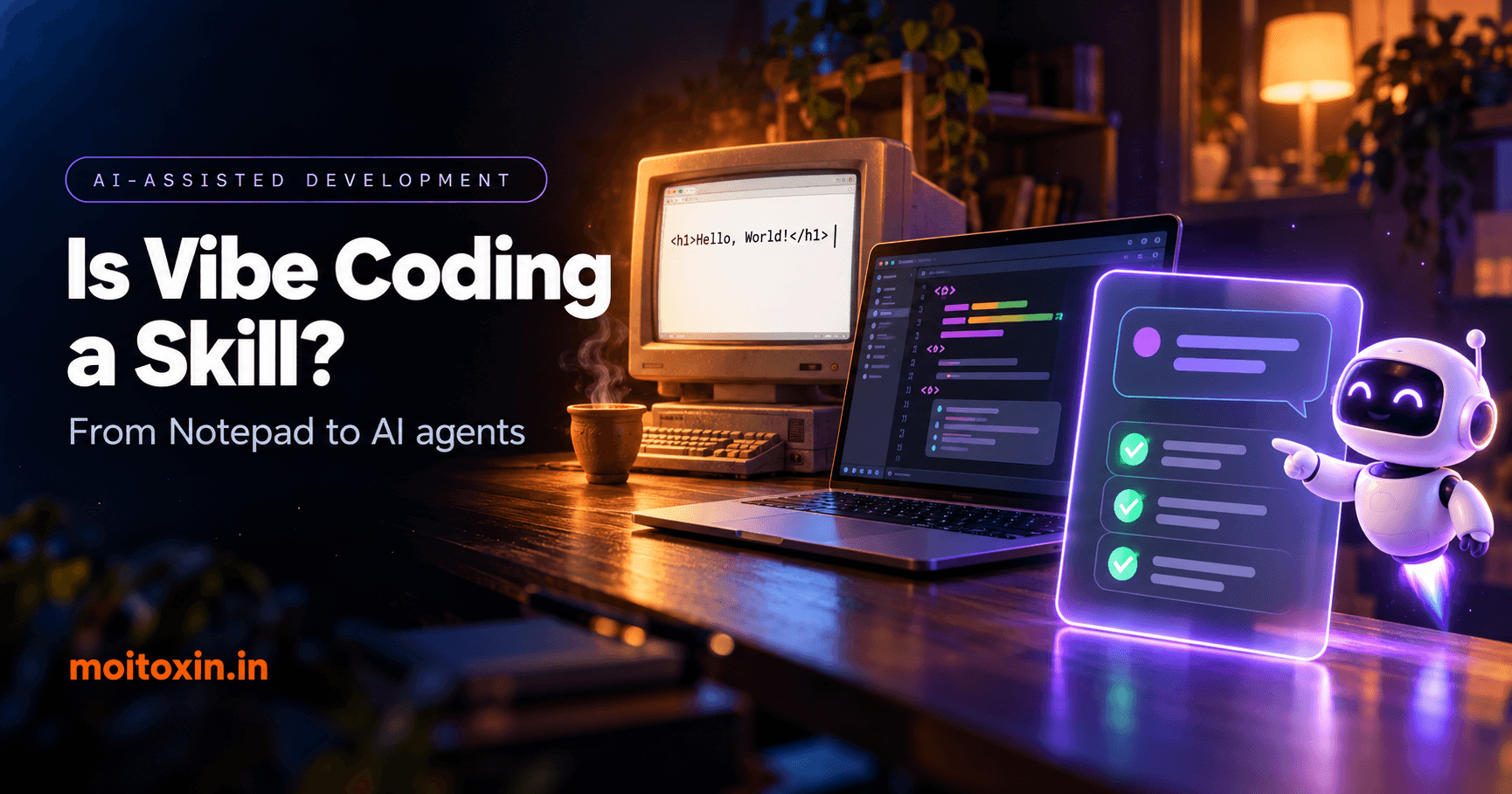
You typed a few lines of HTML. You saved the file as index.html (after accidentally saving it as index.html.txt at least once). You double-clicked it, the browser opened, and there it was, in big bold letters: Hello, World!
It wasn’t much. But to a beginner, it felt like magic. You wrote something, and the computer understood it.
To be fair, these weren’t neat, separate eras. Terminals and plain text editors have lived side by side for decades, and plenty of people still use both every day. But they stand for something every developer goes through: doing things by hand until you understand how they work.
There was no red squiggly line to warn you. You remembered syntax because you had no choice. You hunted for errors line by line, because the editor couldn’t help you. And you learned, the hard way, that one missing bracket could ruin an entire afternoon.
When the code finally worked, that tiny win felt enormous.
Looking back, we weren’t only learning syntax. We were learning patience, debugging, and the strange skill of turning an idea in our head into instructions a machine could follow.
The computer could run our instructions. It couldn’t understand our intentions. That part was always our job.
Notepad++ and the day our code got colours#
Then someone told you about Notepad++, and you opened your messy little file in it for the first time.
Suddenly, the code had colours.
Tags were one colour, strings another. Matching brackets lit up when you clicked next to them. You could fold away a long block, search across a whole folder, and keep ten files open in tabs. After plain Notepad, it felt like someone had switched the lights on.
It was still you writing every line. But now the tool was helping you read what you had written.
When you think about it, syntax highlighting is a tool quietly interpreting part of your code and showing it back to you in a friendlier way. Nobody said the colours made you a fake programmer. The colours didn’t think for you. They just stopped you wasting energy on things that didn’t deserve it.
Without noticing, we had learned one of the oldest lessons in developer productivity: making coding easier doesn’t make it less meaningful.
Sublime Text, VS Code and the editor that became home#
Then came the editors many of us still get emotional about.
For a lot of us, Sublime Text came first. That clean, dark, minimal window. It opened instantly. Multiple cursors felt like a superpower the first time you edited ten lines at once, and the command palette made you feel like a hacker in a movie.
And of course, there was the popup. Every few saves, Sublime would politely remind you that this was an unregistered copy and that you should really buy a licence. The evaluation, famously, never actually ended. You clicked Cancel so many times it became muscle memory. (If you did buy that licence, respect.)
Then Visual Studio Code walked in, and for a whole generation of web developers, it became a second home.
The editor wasn’t just a place to type anymore. It was a workspace: a terminal at the bottom, a debugger on the side, Git built right in, and a marketplace with an extension for almost anything you could imagine.
Remember installing your first theme? Remember spending forty-five minutes choosing between One Dark Pro and Dracula, then hunting for a font with ligatures, then changing the icon pack, all instead of finishing the actual project? We all had our priorities.
But underneath those little rituals, something bigger was happening. Our editor was learning how we worked. We no longer wanted it to just hold our code. We wanted it to help us move around a project, understand it, test it and keep it healthy.
Slowly, the editor was becoming a partner. And we welcomed it.
Emmet, snippets and extensions: we started writing less code#
Then came the extension phase. Be honest, you had a list:
- Prettier, so nobody had to argue about semicolons again.
- ESLint, to point out your mistakes before your senior did.
- Live Server, and that little “Go Live” button you clicked a hundred times a day.
- Emmet, which turned short abbreviations into full HTML.
- GitLens, so you could find out who wrote that terrible line (it was you, six months ago).
And then there were snippets. Type ! and press Tab, and a complete HTML boilerplate appeared. Type rafce, and a whole React component was sitting there, already exported.
Look closely at what we were doing. We had stopped typing every repeated structure by hand and started telling the editor which pattern we wanted. A short instruction went in. A bigger block of code came out.
That’s a prompt. We just didn’t call it that yet.
A snippet didn’t know why you needed a component. It didn’t understand your product. It simply expanded a shortcut into code. Still, it made us faster.
Did anyone call it cheating? Of course. Someone always does. Real programmers don’t use IDEs. Real programmers don’t copy from Stack Overflow. Real programmers don’t use frameworks. Every generation has heard some version of it. And every time, the argument slowly faded, because we understood that tools exist to remove friction, not thinking.
The question was never how many characters you typed. It was whether you understood what you were building.
The seeds of AI-assisted development were already there. We just hadn’t reached plain English yet.
Autocomplete and GitHub Copilot: when the editor started guessing#
Regular autocomplete was already lovely. Start typing a function name and the editor offered to finish it. Type a dot after an object and a little list of methods popped up, saving you yet another trip to the documentation.
Then GitHub Copilot and other AI coding assistants pushed that idea much further.
Now the editor wasn’t suggesting the next word. It was suggesting the next function. Sometimes a whole block of logic would appear in faint grey ghost text, just waiting for you to press Tab. You could write a comment describing what you wanted, and the code would show up underneath it, as if the editor had read your mind.
For the first time, it felt like the editor was trying to understand what you wanted before you had finished saying it.
Of course, it wasn’t always right. Sometimes the suggestion was brilliant. Sometimes it confidently called a function from a library that has never existed in any version of reality.
But the shift was real. We were moving from writing every instruction ourselves to reviewing instructions a machine proposed. And that quietly changed the job. More of our time went into deciding what to accept, what to reject and what to correct.
Typing got faster. Understanding did not become optional. If the suggestion slipped in a performance problem, a security hole or a broken business rule, it didn’t become Copilot’s problem. Spotting it was still your job.
AI chat: when debugging became a conversation#
Then ChatGPT arrived at the end of 2022, followed by Claude and many others, and the workflow changed again.
Instead of opening fifteen tabs of documentation, Stack Overflow answers and GitHub issues, you could simply ask:
- “Explain this error.”
- “Why is this React component re-rendering?”
- “What’s wrong with this SQL query?”
- “Can this API be made faster?”
And the conversation didn’t stop at one answer. You could paste your code, give it more context, push back when an answer looked wrong, and ask for a different approach. The computer wasn’t finishing your sentences anymore. It was joining a technical discussion.
That didn’t make it a reliable senior engineer. It could misread the requirements, miss edge cases, or explain a bug with complete confidence and be completely wrong.
But the way we worked had changed. We went from searching for answers to talking our way through problems. A good developer could use that conversation to move faster. A beginner could use it to learn. And someone with almost no technical background could use it to produce a working app.
That last part is where things got complicated.
Being able to generate software and being able to engineer software are not the same thing.
AI coding agents: from finishing lines to finishing tasks#
And now we’re here, in a place that would have sounded ridiculous to the version of us staring at Notepad.
AI coding agents. Tools like Cursor, Claude Code, Codex and Google Antigravity don’t just suggest a line. They can read an entire repository, edit several files, run commands, run the tests, look at what failed and try again.
The way we talk to the computer has changed too. A few years ago, a typical prompt looked like this:
“Write a function to fetch products.”
Today it can look like this:
“Look at the existing product service, find the slow query, optimise how it talks to the database, keep the public API the same, add regression tests, and explain the trade-offs.”
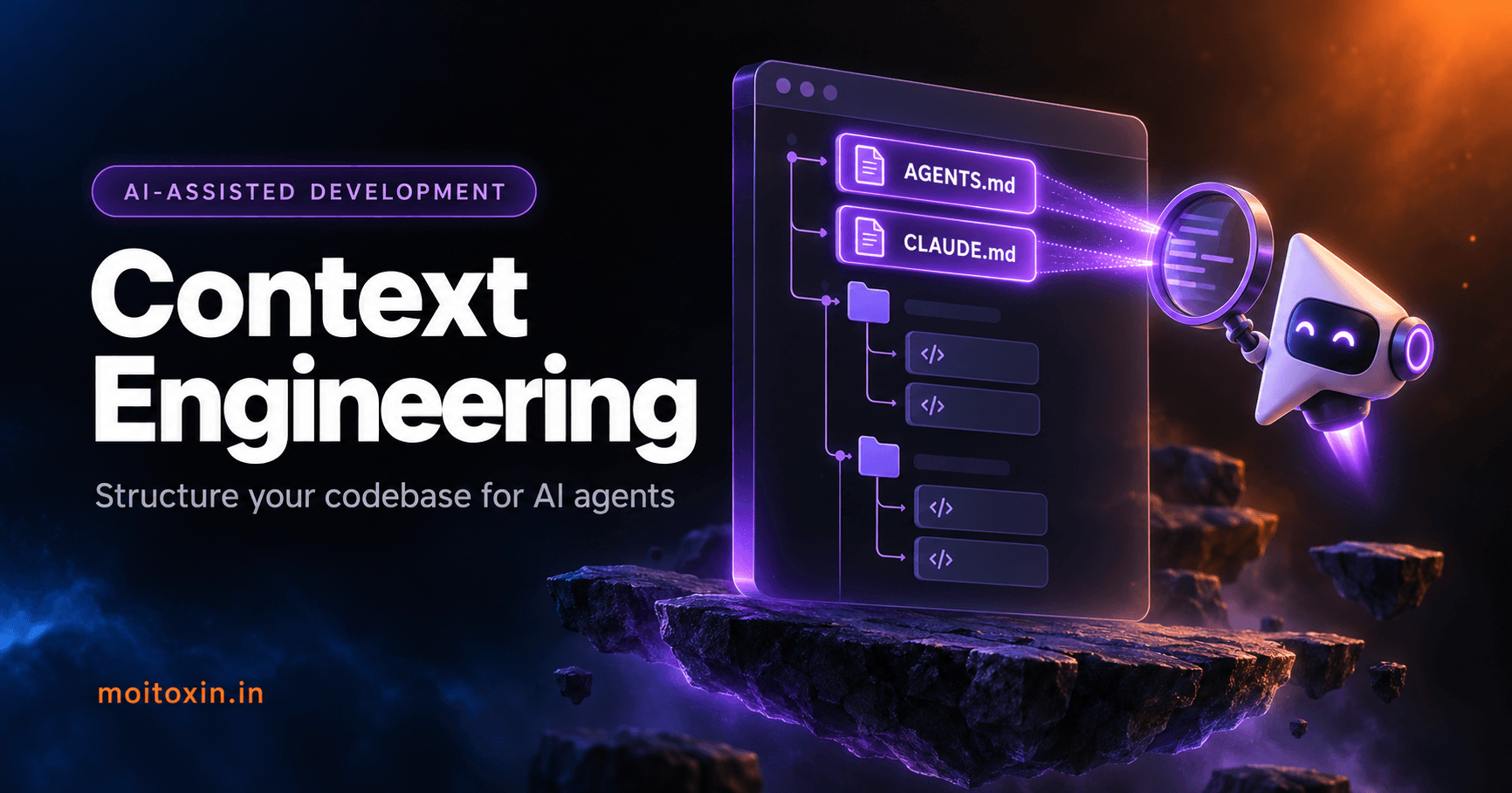
That’s a completely different conversation. We’re not asking for syntax anymore. We’re describing intent, constraints and the behaviour we expect. Giving an agent that kind of context is a skill of its own, and I wrote a full guide on how to give AI coding agents the right context.
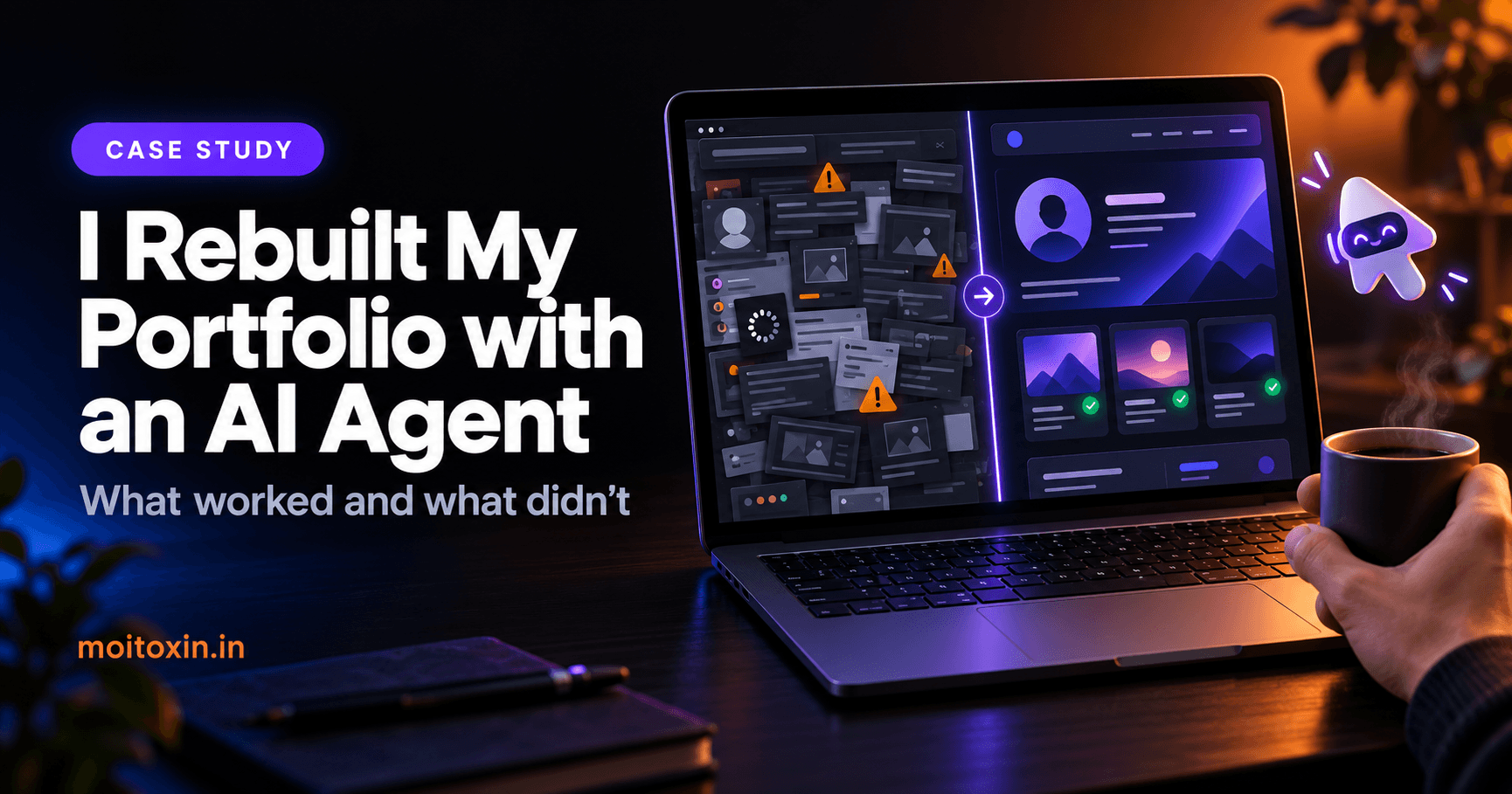
I felt this shift myself when I handed this very website to Claude Code for a full clean-up. My first prompt was two words: “analyze this.” Peak vibe coding, honestly.
And it found things I had completely missed, including a bug that meant every page on my site was being sent to Google as an empty shell. (Here’s the full story of rebuilding my portfolio with an AI agent.) But the part that mattered came after. When it proposed a fix, I could actually judge it, because I understood how server rendering works and why it matters for SEO. The agent did the work. The judgment was still mine.
And that’s the catch.
The more work an AI agent can do, the more it matters whether you can tell if that work is correct.
An agent that can change ten files in seconds can also create ten connected problems in seconds. Speed raises the opportunity and the risk at the same time. That’s exactly why software engineering knowledge matters more with these tools, not less.
Okay, but isn’t AI different?#
This is the fair objection, and I don’t want to dodge it.
Every tool before this was predictable. Emmet expands the same abbreviation the same way every single time. Prettier never got creative with your formatting. Syntax highlighting never invented a keyword. You could trust those tools completely because they followed fixed rules.
AI doesn’t work like that. Ask the same question twice and you might get two different answers. It can be wrong while sounding completely sure of itself. And unlike a snippet, it lets you skip the understanding entirely. You can ship code you have never read.
So yes, this step is different from the others. But I think that difference supports my point instead of breaking it.
When the industry moved from assembly to high-level languages, programmers stopped writing machine instructions by hand, and nobody thinks that made them worse engineers. That worked because compilers are predictable and battle-tested, so we rarely need to check what they produce. AI isn’t there yet. It’s a fast, capable collaborator that is sometimes confidently wrong.
Which means, for now, the checking is the job. The less predictable the tool, the more your judgment is worth.
So, is vibe coding a skill?#
This is where the question gets interesting. Picture two people using the exact same AI coding agent.
The first person types: “Build me a complete e-commerce website.” The AI generates something, and it looks impressive. Next prompt: “Deploy it.” And just like that, a website is live.
I want to be clear: that is genuinely impressive. Someone turned an idea into a working prototype without years of programming experience. That has real value, and nobody should sneer at it.
Now picture the second person, a developer, starting the same project. Before writing a single prompt, they think about what the system actually needs:
- The requirements, the overall architecture and how the database tables relate to each other.
- How users log in, and how the app keeps them logged in safely.
- The API design, product inventory, the life of an order, and how payments are processed.
- Which data is read often enough to cache, and how stale cache gets cleared.
- Database indexes, and where each transaction should begin and end.
- What happens if the payment provider sends the same webhook twice (the fancy word is idempotency).
- What happens when two customers try to buy the last item at the exact same moment.
- How the whole system should behave when something fails.
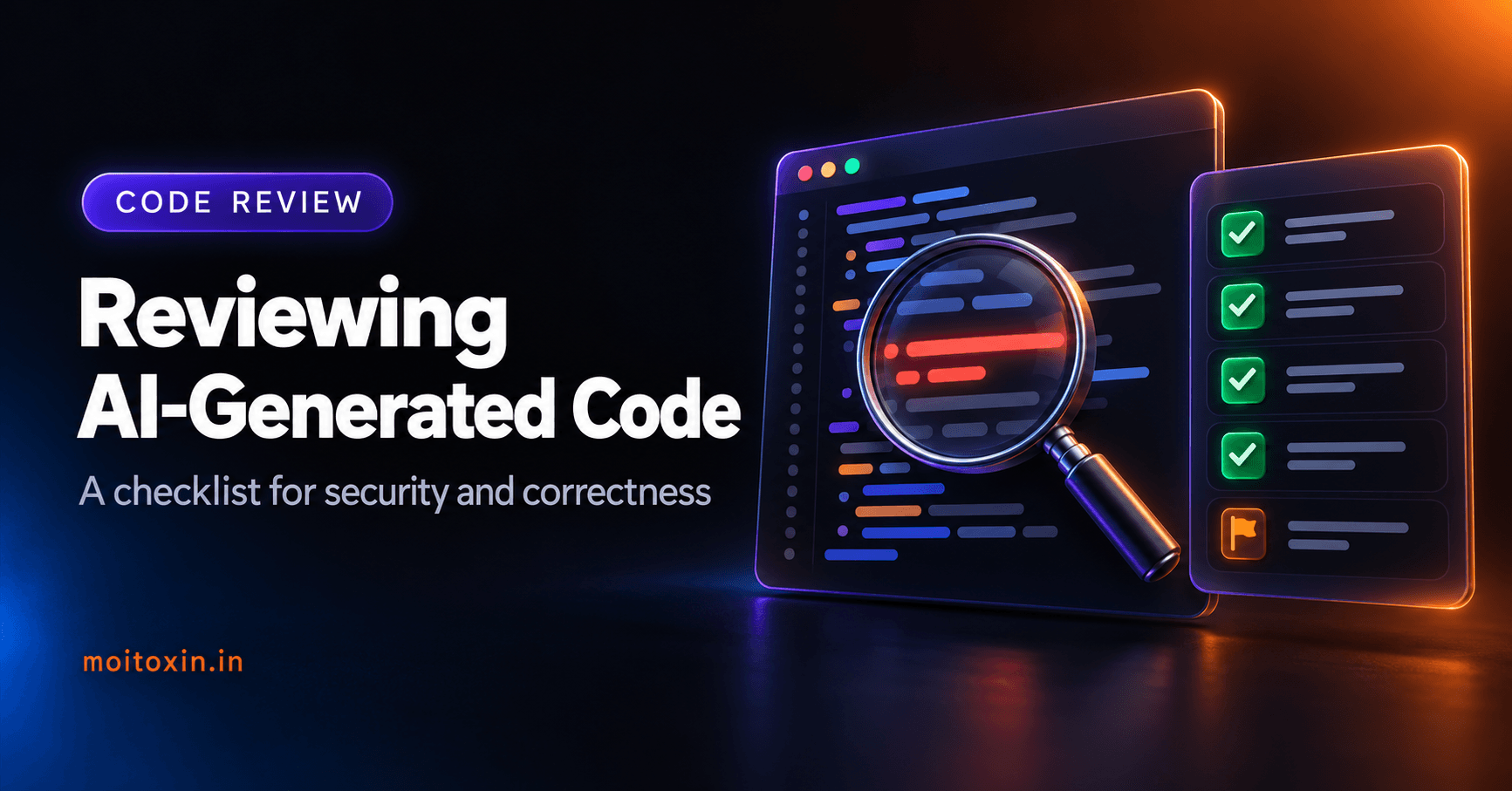
Only then do they ask the agent to build specific pieces. When the code comes back, they read the diff, run the tests, measure performance and fix what’s wrong. I put the exact steps I follow for that part into a checklist for reviewing AI-generated code.
Both people used prompts. Both shipped AI-generated code. But only one of them brought the kind of technical judgment that keeps a store running when real customers, real money and real bugs show up.
One person is asking AI to decide how everything should work. The other is using AI to carry out decisions they understand and can defend.
That difference is a skill. A valuable one.
Vibe coding vs agentic engineering: what the term really means#
There’s an honest detail I need to admit here.
The term vibe coding comes from a post by Andrej Karpathy in February 2025. He described a new kind of coding where you “fully give in to the vibes” and “forget that the code even exists.” You accept the AI’s changes without really reading them, experiment quickly, and judge the result by whether it seems to work. He even said it was “not too bad for throwaway weekend projects.” The phrase spread so fast that Collins Dictionary picked it as its Word of the Year for 2025.
That isn’t the careful workflow I described above. That one is increasingly called AI-assisted engineering, or agentic engineering, and technically, the difference matters. I don’t want to redefine a word just to win an argument on the internet.
But I also understand why so many developers now use “vibe coding” more loosely, for any kind of building through conversation with an AI. Language grows alongside technology. That’s how words work.
So let me be precise. I’m not saying every AI-generated app shows engineering skill. It doesn’t. I’m saying that a developer who directs AI with clear technical decisions is using a real skill, even if they didn’t type every line themselves.
Call it vibe coding, agentic engineering or AI-assisted development. The name matters much less than the understanding behind it.
The real skill was always knowing what to build#
Look at the whole journey again:
- With a plain editor, we wrote everything ourselves.
- Syntax highlighting helped us read our code.
- Snippets saved us from typing the same things over and over.
- Autocomplete helped us write faster.
- Copilot started suggesting the implementation.
- AI chat helped us reason through problems.
- Coding agents can now carry out whole pieces of work.
At every step, some part of the manual work got easier. And at almost every step, someone worried that developers were becoming too dependent on their tools.
But nobody judges a great developer by how fast they can type a for loop.
We care about whether they can solve problems. Whether they understand the trade-offs. Whether what they build is secure, reliable, maintainable and actually useful. Whether they can explain why the system behaves the way it does.
That part hasn’t gone anywhere. If anything, AI makes it easier to see. When anyone can generate a login form in thirty seconds, the real questions are the ones that come after:
- Is the authentication actually secure?
- Are sessions handled properly?
- What happens when a token expires?
- Can someone abuse the password reset flow?
- What happens under heavy load?
- How will we even know when something breaks in production?
AI can help you answer every one of these, and help you build the fixes. But somebody still has to care enough to ask.
The next generation will be nostalgic about different things#
Here’s a thought that’s both exciting and a little strange.
A developer who started with Notepad gets nostalgic about their first hand-typed HTML page. Someone who started with VS Code remembers discovering Emmet and React snippets. Someone who started with Copilot remembers the first time a whole function appeared as ghost text. And someone learning to code today might one day feel nostalgic about the first time an AI agent built a feature from a conversation.
Their tools will look different from ours. Maybe their definition of “coding” will be different too.
But every generation still gets the same moment. You imagine something. You try to build it. It doesn’t work. You figure out why. And then, slowly, something that only existed in your head starts working in the real world.
That’s the feeling that made so many of us fall in love with programming in the first place. It was never really about the keyboard. It was about creating something.
What I don’t want us to lose#
I genuinely believe AI-powered development is a good evolution. But there’s something from the early days worth protecting, and it isn’t Notepad.
It’s curiosity. The habit of opening a file just to see how it works. The patience to debug a problem instead of re-running the same prompt and hoping for luck. The instinct to question code even when it looks right. The urge to understand the system, not just make the red error disappear.
Those habits made developers better before AI. They still make developers better today. If you’re just starting out, learn the fundamentals anyway, because they’re what let you tell good AI output from bad. This full-stack developer roadmap for 2026 is where I’d begin.
So use the agent. Let it write the boilerplate. Let it write the tests. Let it refactor that repetitive code you’ve been avoiding. Let it help you build in a weekend what used to take weeks.
Just don’t hand over your judgment.
Because when production breaks at 2 AM, “the AI wrote it” won’t make anyone feel better, least of all you. And when people trust your app with their data, the responsibility is still yours.
The tools will keep changing. The curiosity behind great software never should.
We didn’t stop coding. We changed how we code.#
Looking back, it’s almost poetic.
We started by teaching computers through rigid instructions. Then our editors learned to help us. Then our tools learned to predict us. Now, more and more, our tools can act on what we say in plain language.
The distance between an idea and a working product keeps getting shorter. I think that’s worth celebrating.
I don’t believe a developer becomes less of an engineer just because they wrote fewer lines of code. Autocomplete didn’t make us less capable, and using AI agents doesn’t automatically make us less skilled. What matters is what we understand, what we decide and what we’re willing to take responsibility for.
So, is vibe coding a skill?
My honest answer: using AI to generate code is something almost anyone can do now. Using it to build reliable software is a skill, and it takes knowledge, judgment and practice.
Maybe the right name for that skill is agentic engineering. Maybe five years from now we’ll have a completely new word for it. Either way, the evolution will keep going.
And years from now, when developers look back at today’s AI agents the way we look back at Notepad and our old VS Code setups, I hope they remember one thing:
We weren’t trying to escape coding. We were trying to spend more of our time building what we imagined.
Now I’m curious: what was your first code editor, and what was the first thing you built in it? And if you have a friend who still swears by Notepad++, send this to them. You know exactly who I mean.
Frequently asked questions#
What is vibe coding?
Vibe coding means building software by describing what you want to an AI in plain language and letting it write the code. Andrej Karpathy popularised the term in February 2025 for a hands-off style where you accept the AI’s changes without closely reading them and judge the result by whether it works. Many people now use it more loosely for any AI-driven coding, and Collins Dictionary named it its Word of the Year for 2025.
Is vibe coding a skill?
Almost anyone can generate code with AI now. Turning that code into reliable software is a real skill. It means setting clear requirements, making architecture and security decisions, reviewing what the AI produces, testing it and taking responsibility for the result. That takes knowledge, judgment and practice.
What is the difference between vibe coding and agentic engineering?
Vibe coding, in its original sense, is hands-off: you accept what the AI writes and focus on whether the result seems to work, which is fine for prototypes and throwaway projects. Agentic engineering, also called AI-assisted engineering, is the disciplined version: the developer sets requirements and constraints, directs AI coding agents to implement them, reviews every change, runs tests and owns the outcome.
Will AI coding agents replace software developers?
In my experience, AI coding agents replace a lot of typing, not the need for judgment. Someone still has to decide what to build, define the constraints, catch the AI’s mistakes and answer for the system when it breaks in production. Developers who understand engineering and use agents well get more done with them.
Should beginners still learn to code if AI can write code?
Yes. Fundamentals like how the web works, databases, security and debugging are what let you judge whether AI-generated code is correct. Use AI as a tutor and a pair programmer, but make sure you can read and explain every piece of code you ship.
Sources and further reading#
This is an opinion piece, but the quotes, dates and names in it were checked against these sources on 25 October 2026:
- The original “vibe coding” post, Andrej Karpathy on X, 2 February 2025. Every Karpathy quote in this article comes from it.
- ‘Vibe coding’ named Collins Dictionary’s Word of the Year, CNN, 6 November 2025
- Build with Google Antigravity, our new agentic development platform, Google Developers Blog, November 2025
- Vibe coding, Wikipedia, for how the term spread and how its meaning has shifted
From my own work
The opinions here come from hands-on work, not just reading. These are the write-ups behind them:
- I Rebuilt My Portfolio with an AI Coding Agent: the case study behind the “analyze this” story, with what the agent found, what it fixed and where it went wrong.
- Reviewing AI-Generated Code: the checklist I use to review agent output, built from real bugs found in my own tutorial code.
- Context Engineering for AI Coding Agents: how I give agents the intent and constraints described above, using AGENTS.md, CLAUDE.md and tests.
AI coding tools change every few months. Tool names and features in this article are as of October 2026.
Found this useful? You can support my writing on GitHub Sponsors or with a coffee.